This is an online class!
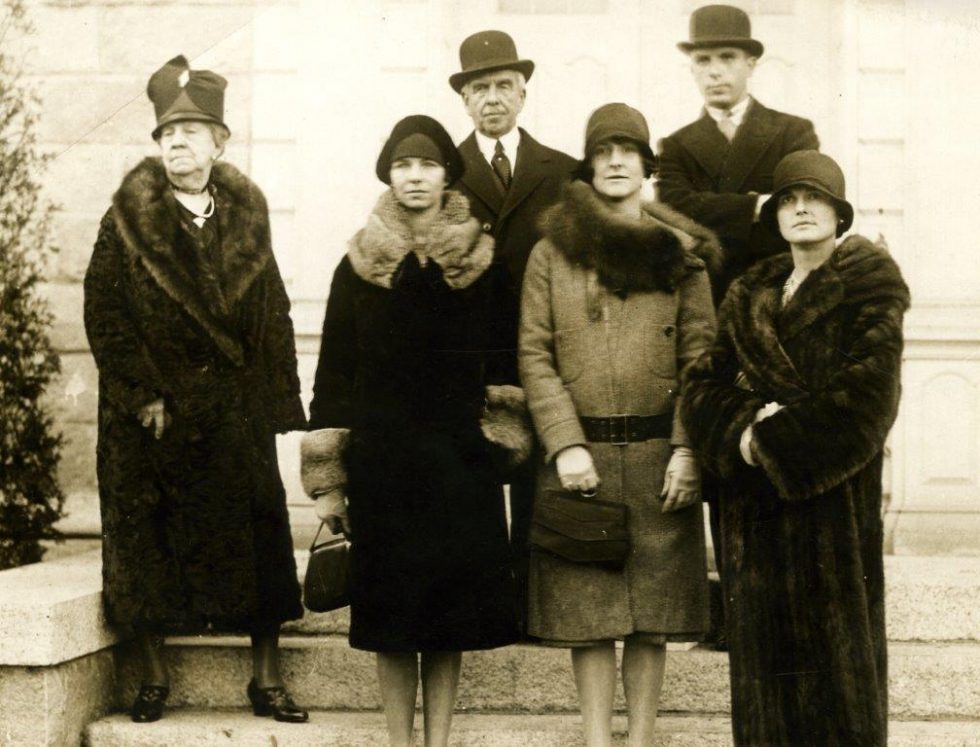
Continue your ancestry research at home using the Zoom platform. Dave Robison, active member of the Massachusetts Society of Genealogists-Worcester Chapter, the Massachusetts Genealogy Council, Central New York Genealogical Society (CNYGS) among others, will guide you through the next steps to uncovering your family’s history. Examine the different genealogy sites available and how to research information that is not on the internet. Whether you’re new to researching your ancestry or have had limited success in your searches, this workshop will provide the tools you need.
Instructor: Dave Robison
Wednesday, 2:30- 5 pm
One class: May 13
A few days before the first day of class you will receive an invitation from Dave Robison to join the online Genealogy class in the (free) Zoom application. Dave may attempt a test run to make sure everyone can get into Zoom the day before the class is set to run.
Watch this orientation video: How to join a Zoom meeting if you are new to Zoom. You may download and install the Zoom application at any time. We recommend you do this after you enroll in class or at least one day prior to your first online class. Choose the download option that best fits your technology. Unless you will be using an iPad or mobile device, the first option is most likely the one you’ll need.
The Day of Class
- Class will begin at 2:30 PM and end at 5 PM. Dave will be on Zoom 15 minutes before and after.
- You may login early, but if you step away from your computer before class starts leave Zoom open.
- Connection is better if you close all web browsers on your computer while on Zoom.
- Due to high volume on Zoom, connection may be imperfect at times.
- If you have technical issues during class, quit Zoom and then login again. If you still have trouble, shut down your computer, wait 2-minutes, and then try again.
- We encourage you to have your camera on during class, as this helps with feeling connected, however, camera mode is optional.
- You may want to add a photo to your profile; see these instructions. This is optional.
- Wear a headset or earbuds or close a door to help limit background noise during class.
- Plan ahead so that you will not be multi-tasking during the call. Do not drive while participating in any online class.